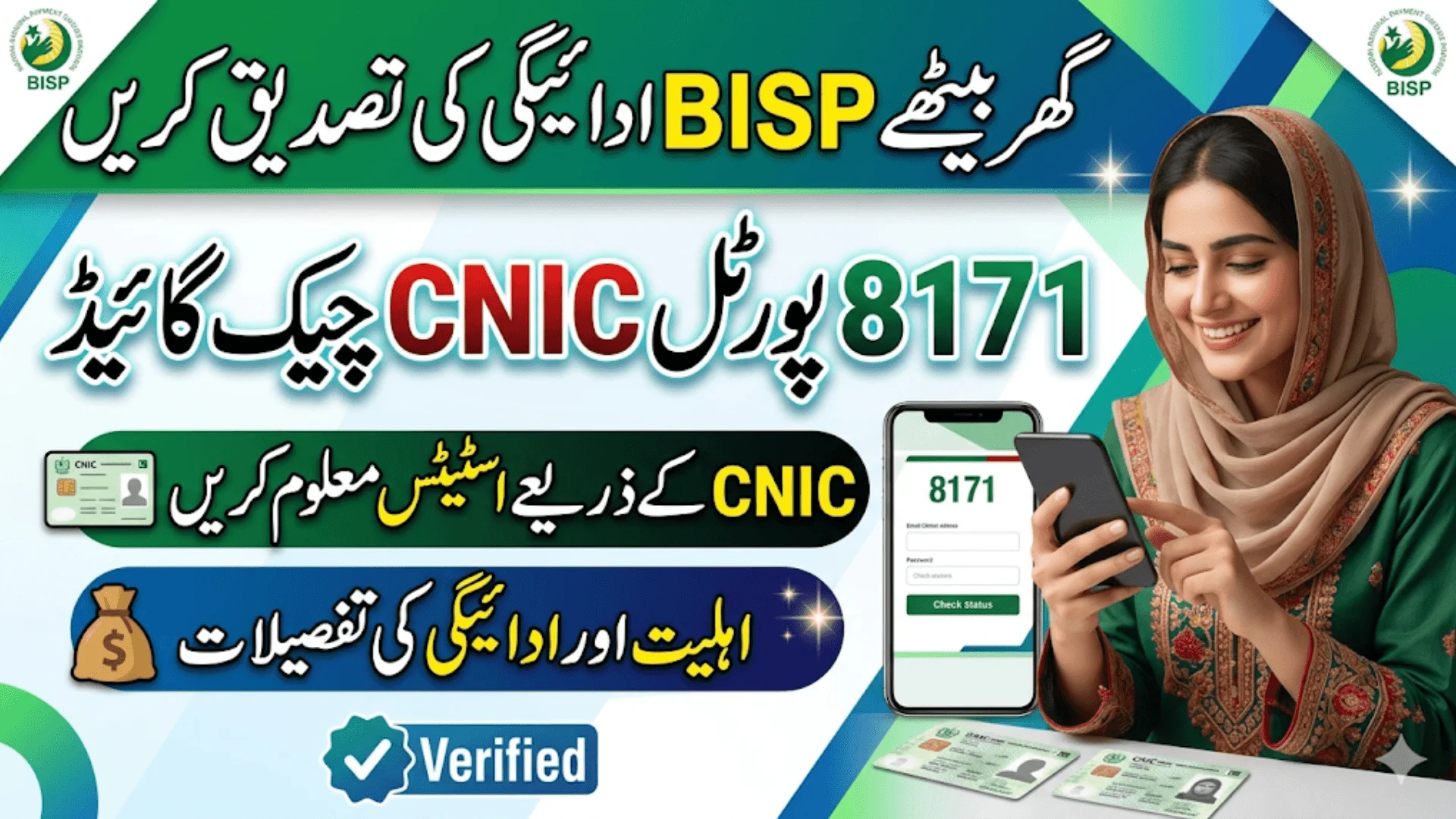

BISP 8171 CNIC Check: Check your BISP eligibility by CNIC on the 8171 portal in 2026. Step-by-step guide, SMS method, what each result means, and what to do next. Want to know if your CNIC is registered in BISP? The answer takes less than one minute. This guide shows you exactly how to check — and what to do with your result.
How to Check BISP Status by CNIC Portal Method
Step 1. Go to 8171.bisp.gov.pk in your phone or computer browser
Step 2. Enter your 13-digit CNIC number in the box (Write it without dashes — example: 3520212345678)
Step 3. Type the captcha code you see on screen
Step 4. Click “Maloom Karein”

Step 5. Your result appears immediately
How to Check by SMS No Internet Needed
This works on any phone, even a basic one:
- Open your SMS app
- Type your 13-digit CNIC — nothing else
- Send to 8171
- Get your reply in 1 to 5 minutes
Free on all networks — Jazz, Telenor, Ufone, Zong.
Your CNIC Check Result What Each One Means
| Your Result | Simple Meaning | Your Next Step |
|---|---|---|
| Eligible | Your household qualifies for BISP | Wait for SMS on registered mobile number |
| Not Eligible | Surveyed but score is too high | Visit BISP Tehsil Office to discuss re-survey |
| No Record Found | Never surveyed | Visit BISP Tehsil Office — ask for a survey |
| Payment Released | Your money is ready | Go to HBL/BAFL POS with your original CNIC |
| Blocked/Under Review | Account has an issue | Visit BISP Tehsil Office immediately |
“No Record Found” Do This One Thing
Most people panic when they see this. Do not panic.
“No Record Found” simply means BISP has never surveyed your household. You are not rejected. You just need to get into the system.
Here is what to do:

Any adult in your family — man or woman — should go to the nearest BISP Tehsil Office and say:
“Our household has not been surveyed. We want to be added to the NSER survey list.”
Bring original CNICs of all adult family members. The visit is free. A BISP surveyor will come to your home after that. Then check your status on 8171 again after 30 to 60 days.
“Eligible” But No SMS? Here Is Why
Many families see “Eligible” on the portal but never received an SMS from 8171. This is a very common problem.
Why it happens:
- The mobile number saved in BISP’s system is wrong
- The number belongs to someone who changed their SIM
- The number was never entered during the survey
Fix: Go to your BISP Tehsil Office and ask them to update your correct mobile number. Once updated, the SMS will be sent to the right number.

Which CNIC Should You Check?
This confuses many people. Here is the clear answer:
- To check household eligibility: Any adult household member’s CNIC works
- For payment status: Use the female beneficiary’s CNIC — she is the one registered to receive cash
The Kafaalat programme only registers ever-married women (married, divorced, widowed) as beneficiaries. So her CNIC is the most important one to check for payment information.
Common Mistakes When Checking CNIC
Wrong CNIC number entered. One wrong digit gives you a wrong result. Always read the number directly from your CNIC card.
Using dashes or spaces. Enter 13 digits with no formatting. The portal does not accept dashes.
Checking and then trusting old results. BISP updates the database regularly. Always do a fresh check — do not rely on a result from 2 months ago.
Using unofficial websites. Many fake websites look like 8171.bisp.gov.pk but they are not. Check the URL carefully. Only trust 8171.bisp.gov.pk.

FAQs: BISP 8171 CNIC Check
Q: Can I check someone else’s CNIC on the 8171 portal? Yes. You can check any CNIC — there is no restriction. This is useful if an elderly family member cannot use the internet themselves.
Q: Does checking my CNIC affect my BISP status? No. Checking is a read-only action. It does not change anything in your account.
Q: My CNIC is expired. Will the check still work? The status check will still work. But to collect any payment, your CNIC must be valid. Renew your CNIC at NADRA as soon as possible.
Q: The portal keeps showing an error. What should I do? The portal gets very busy after payment announcements. Try the SMS method instead — send your CNIC to 8171. It uses a separate system and is always available.

Ch Shariq
 Verified Author
With over 5 years of experience in SEO, I specialize in growing websites through data-driven strategies and high-quality content. As a Webpreneur, I have extensive research experience in government schemes, government jobs, and digital publishing, helping readers access reliable and up-to-date information.
1 thought on “BISP 8171 CNIC Check How to Check Your Status Online 2026”